


Premium Protective Case for Apple Watch Series 10 46-mm - Black
$21.99
- Material:
- Plastic
- Type:
- Case
- Wireless Charging:
- Compatible
Close
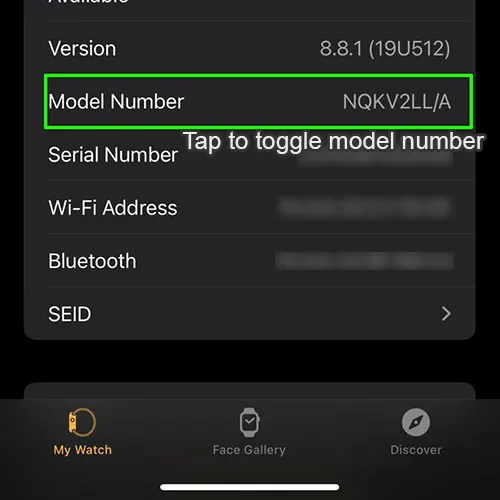 |
To learn which Apple Watch you have, use its model number: 1. Open the Apple Watch app on your iPhone. 2. Tap the My Watch tab, then tap General > About. 3. Find the Model field. You should see the part number that begins with a letter on the right. 4. Tap the Model field to toggle and update it to show a five-digit number that begins with "A". This is your model number. 5. Compare your model number to the ones below. |
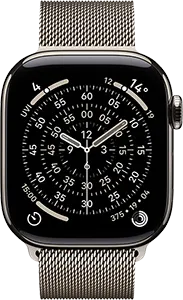
| Series 11, 46-mm Case Size
Year Introduced: 2025 |
 |
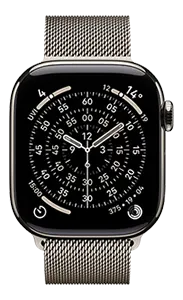
| Series 11, 42-mm Case Size
Year Introduced: 2025 |
 |
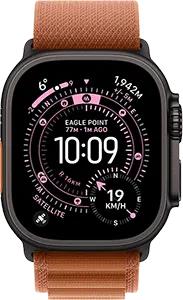
| Ultra 3, 49-mm Case Size
Year Introduced: 2025 |
 |
| SE (3rd Gen), 44-mm Case Size
Year Introduced: 2025 |
 |
| SE (3rd Gen), 40-mm Case Size
Year Introduced: 2025 |
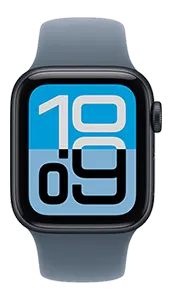 |
| Series 10, 46-mm Case Size Model numbers: A3003, A3206 |
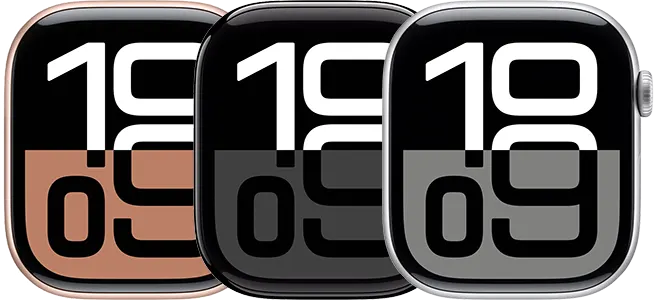 |
| Series 10, 42-mm Case Size Model numbers: A3001, A3002 |
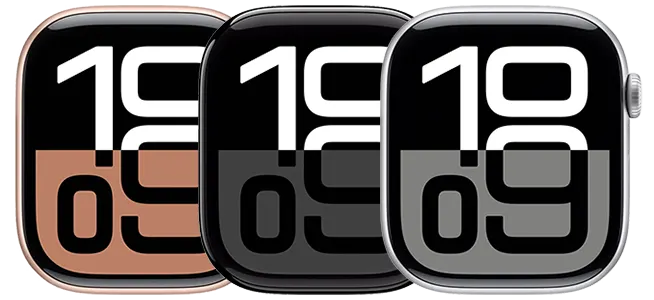 |
| Ultra 2, 49-mm Case Size Model numbers: A2986, A2987 |
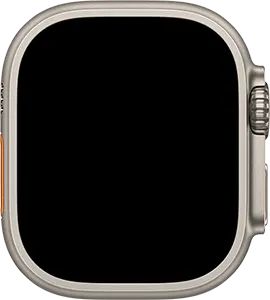 |
| Series 9, 45-mm Case Size Model numbers: A2980, A2984, A2985 |
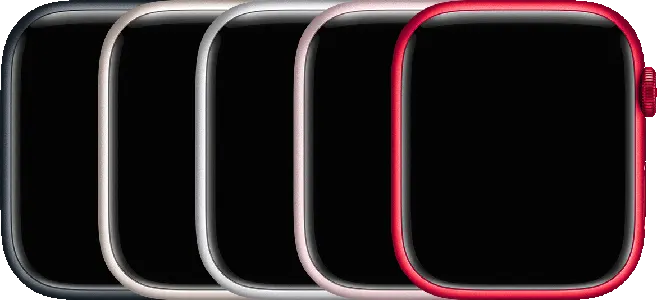 |
| Series 9, 41-mm Case Size Model numbers: A2978, A2982, A2983 |
 |
| Ultra, 49-mm Case Size Model numbers: A2622, A2684, A2859 |
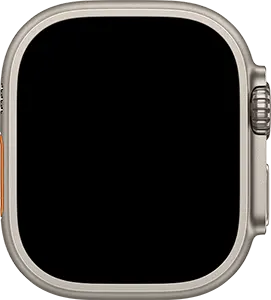 |
| Series 8, 45-mm Case Size Model numbers: A2771, A2774, A2775, A2858 |
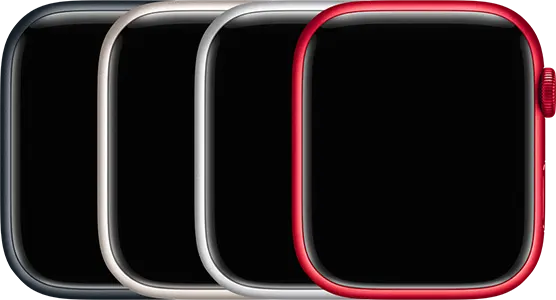 |
| Series 8, 41-mm Case Size Model numbers: A2770, A2772, A2773, A2857 |
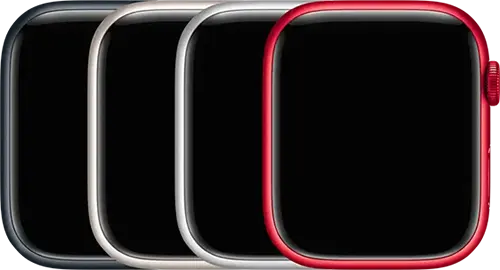 |
| SE (2nd Gen), 44-mm Case Size Model numbers: A2723, A2727, A2724, A2856 |
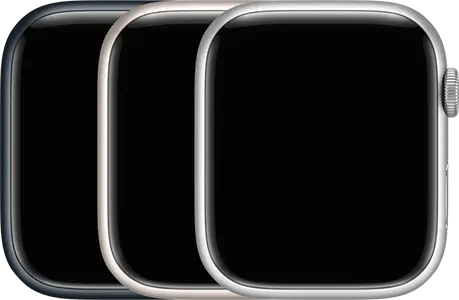 |
| SE (2nd Gen), 40-mm Case Size Model numbers: A2722, A2726, A2725, A2855 |
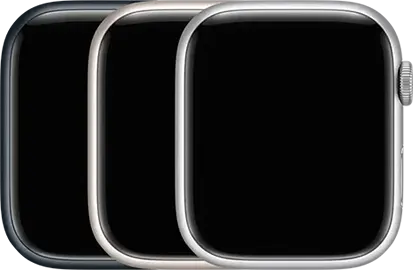 |
| Series 7, 45-mm Case Size Model numbers: A2474, A2477, A2478 |
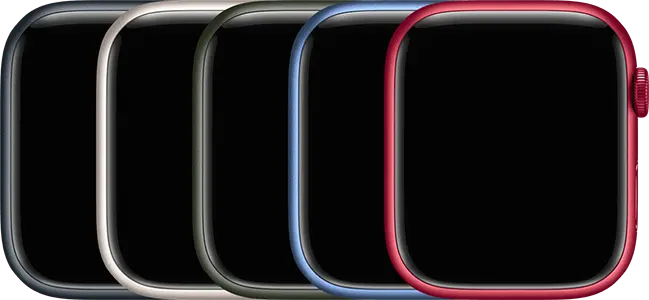 |
| Series 7, 41-mm Case Size Model numbers: A2473, A2475, A2476 |
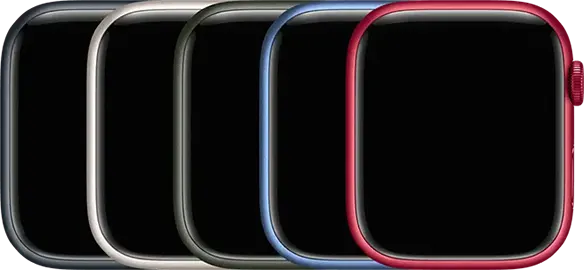 |
| Series 6, 44-mm Case Size Model numbers: A2292, A2294, A2376 |
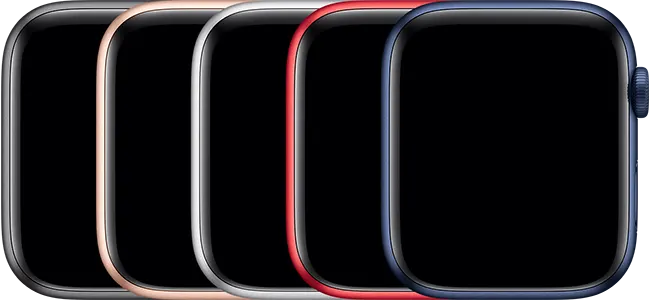 |
| Series 6, 40-mm Case Size Model numbers: A2291, A2293, A2375 |
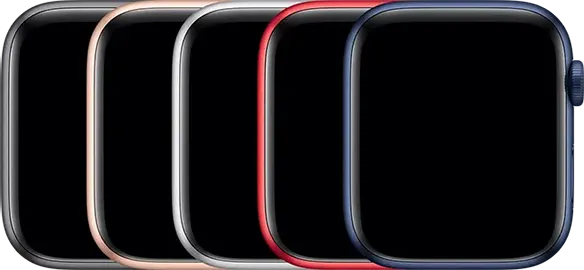 |
| SE, 44-mm Case Size Model numbers: A2352, A2354, A2356 |
|
| SE, 40-mm Case Size Model numbers: A2351, A2353, A2355 |
|
| Series 5, 44-mm Case Size Model numbers: A2093, A2095, A2157 |
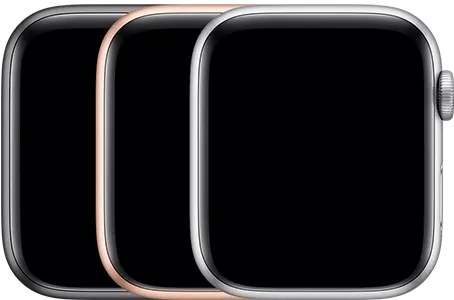 |
| Series 5, 40-mm Case Size Model numbers: A2092, A2094, A2156 |
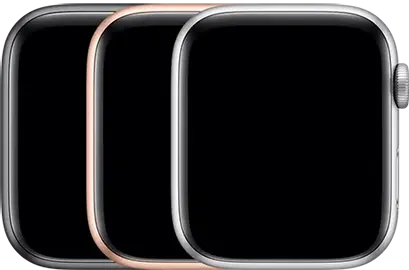 |
| Series 4, 44-mm Case Size Model numbers: A1978, A1976, A2008 |
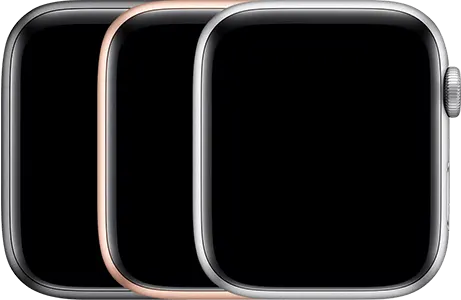 |
| Series 4, 40-mm Case Size Model numbers: A1977, A1975, A2007 |
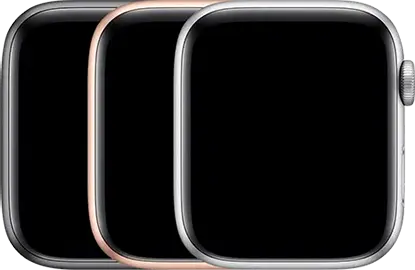 |
| Series 3, 42-mm Case Size Model numbers: A1859, A1861, A1891, A1892 |
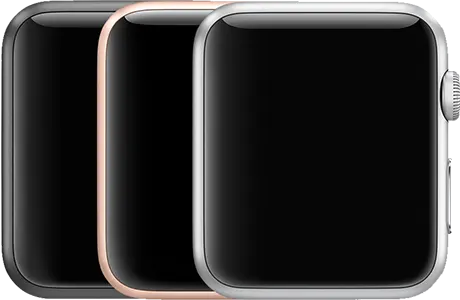 |
| Series 3, 38-mm Case Size Model numbers: A1858, A1860, A1889, A1890 |
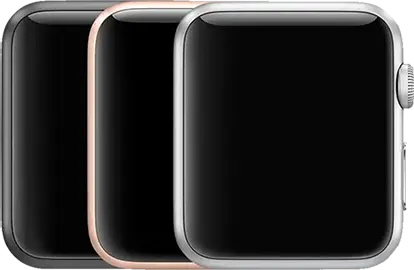 |
| Series 2, 42-mm Case Size Model numbers: A1758, A1817 |
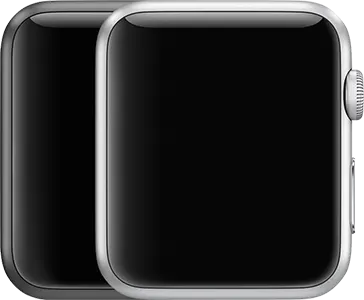 |
| Series 2, 38-mm Case Size Model numbers: A1757, A1816 |
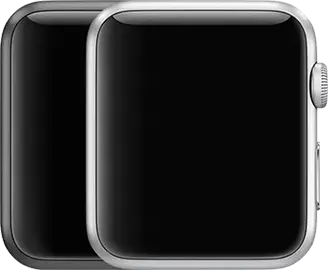 |
| Series 1, 42-mm Case Size Model number: A1803 |
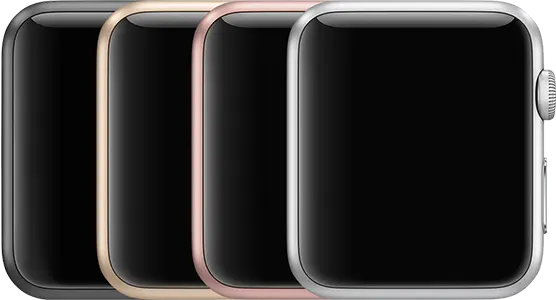 |
| Series 1, 38-mm Case Size Model number: A1802 |
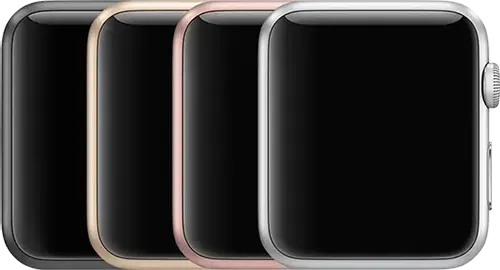 |
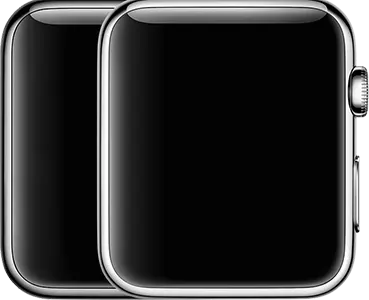
| Series 0, 42-mm Case Size Model number: A1554 |
 |
| Series 0, 38-mm Case Size Model number: A1553 |
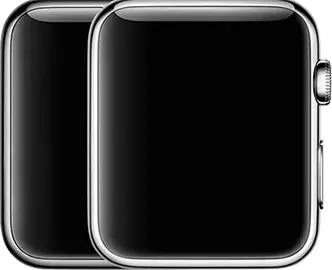 |
Image credits: Apple Inc.



Description
Sleek Protection for Your Apple Watch Series 10
Give your Apple Watch Series 10 46-mm the defense it deserves without compromising its iconic aesthetic. This precision-engineered black case provides a slim, lightweight shield against daily scratches, bumps, and accidental drops, ensuring your device stays looking brand new for longer. Its minimalist design snaps on effortlessly, maintaining full access to all buttons and sensors while adding a sophisticated, modern touch to your wrist.
Key Features:
- Premium Build: Crafted from durable, high-quality materials for long-lasting wear.
- Slim-Fit Design: Adds minimal bulk while providing maximum edge-to-edge protection.
- Wireless Charging Ready: Designed to be fully compatible with all wireless chargers, so you never have to remove the case.
- Sophisticated Finish: A sleek black matte finish that complements any watch band.
Compatibility:
Designed specifically for the Apple Watch Series 10 46-mm. To find your model: Check your device settings.